What does it do?
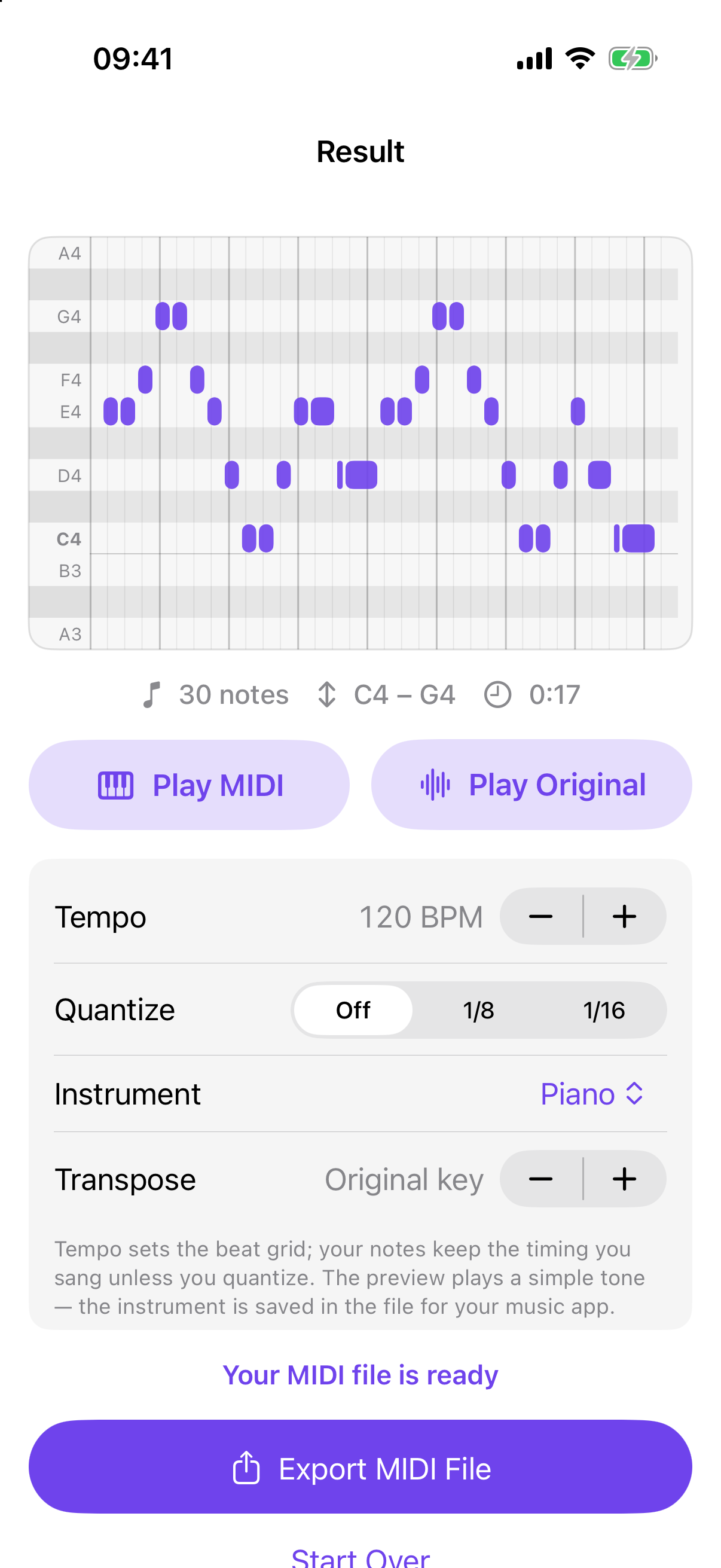
It turns one melody line — hummed, sung, whistled or played on a single instrument — into a standard MIDI file you can open in your music app.
Can it transcribe chords or whole songs?
No. Hummidi reads one melody at a time: a voice, a whistle or a single instrument. It does not transcribe chords, full songs, or a melody inside a mixed track with other instruments. For the best result, hum clearly, one note at a time, close to the microphone.
Are my files uploaded?
Never. Everything runs on your iPhone, and the microphone is used only while you record. No account, no upload.
Is it a subscription?
No. Recording, seeing the notes and playing them back are free. One $4.99 purchase unlocks MIDI export, for good. No ads.