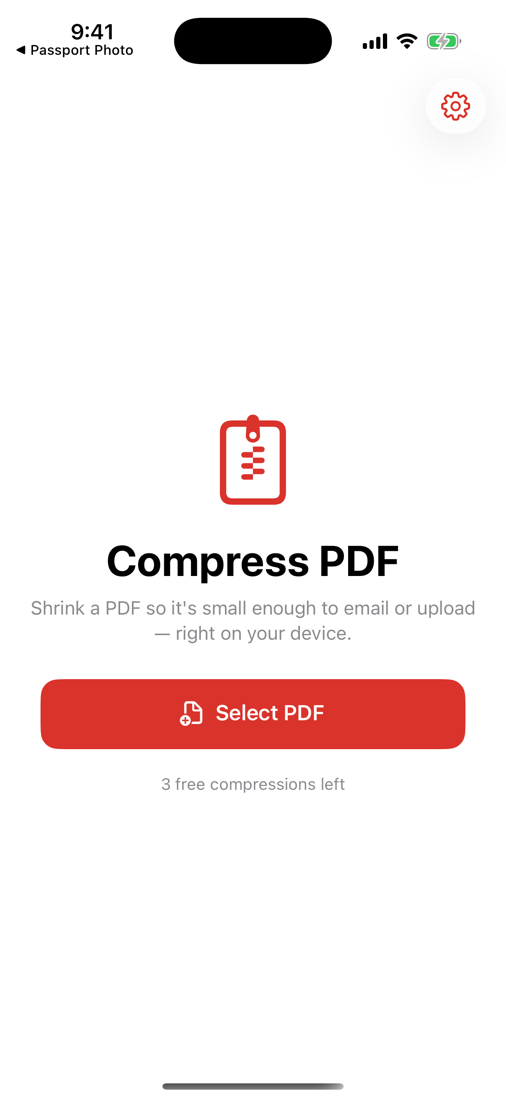
That PDF too big to email or upload? Shrink it in seconds — right on your iPhone, so your documents never leave your device.

One job, done well — and done privately.
Re-compresses pages so scanned and image-heavy PDFs get dramatically smaller.
Light, Recommended, or Maximum — you control quality vs size.
If a PDF is already optimized, we keep your original instead of inflating it.
No servers, no accounts. Your documents never leave your iPhone.
Compress as many as you want — no '2 free per day' trap.
No watermark, no subscription, no ad before every file.
No tutorial, no account, no setup.
Choose any file from Files or iCloud.
Light, Recommended, or Maximum.
A smaller file, ready to send.
Pay once, use forever. No ads, no subscription.
Scanned and image-heavy PDFs often shrink by half or more. Already-optimized files are kept as-is.
It optimizes for the common case (scanned/image PDFs). Pick Light to keep quality high, Maximum for the smallest file.
Never. Compression happens entirely on your iPhone — important for sensitive files.
No. One payment, unlimited compressions, no ads, no daily caps.
Scanned documents, contracts, and image-heavy PDFs that won't fit an email or upload limit.
Shrink PDFs to email or upload — on-device, no ads, no subscription.
Download on theApp Store