No ads · No subscription · On-device

Too big to send?
Shrink it.

Email bouncing, upload rejected for being too large? Compress Photo cuts a photo's file size down to the KB or MB you need — same photo, same dimensions, just a smaller file.

Download on theApp Store$4.99 once — yours forever
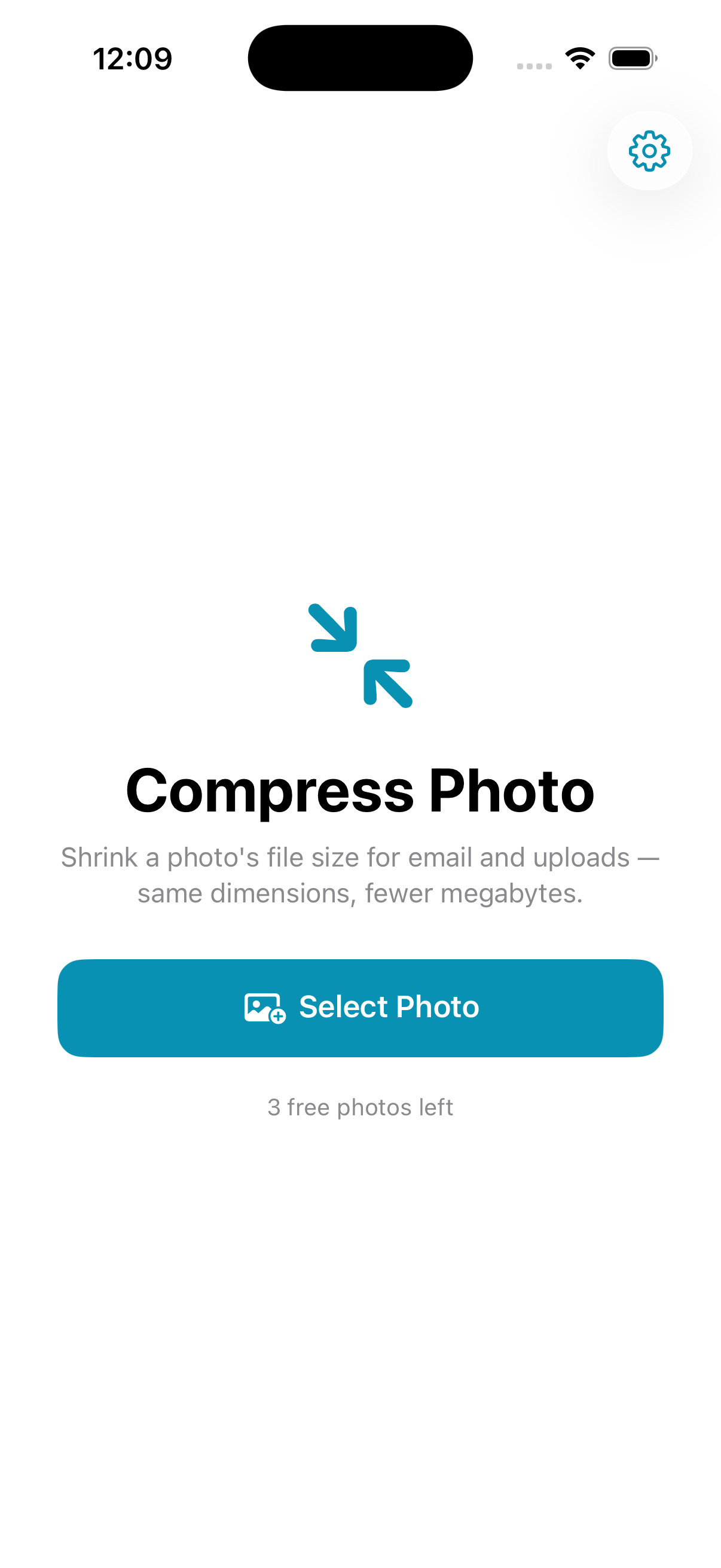
Compress Photo screenshot
Hits your target size Photos never uploaded No ads, no subscription Keeps your dimensions

Everything you need, nothing you don't

One job — shrink the file size — done well and done privately.

Hit a target size

Under 500 KB, 1 MB, 2 MB, or type the exact KB you need. It finds the best quality that still fits.

Same photo, smaller file

Keeps the original pixel dimensions. It's a file-size compressor, not a resizer — nothing cropped, nothing stretched.

See before & after

The exact file size before and after, and how much smaller you saved.

You control quality

Let it auto-tune for the target, or set the quality percentage yourself. Shrink the dimensions too, if you want.

100% on-device

No servers, no accounts. Your photos never leave your iPhone.

Pay once

No watermark, no weekly fee, no ad before every export.

Three taps

No tutorial, no account, no setup.

Select a photo

Choose any photo from your library.

Pick a target size

Under 500 KB, 1 MB, 2 MB, or a custom KB.

Save or share

Save the smaller file to Photos, or share it straight to email.

One-time purchase
$4.99 once

Pay once, use forever. No ads, no subscription.

  • Unlimited compressions
  • Everything on-device & private
  • No ads and no subscription, ever
  • Every future update included
Download on theApp Store

Questions, answered

How does it make the photo smaller?

It re-encodes the photo on your device at the highest quality that still fits your target size. Pick Under 500 KB, 1 MB, 2 MB, or type an exact KB.

Does it change the dimensions?

No. It keeps your original pixel dimensions and only lowers the file size. It's a file-size compressor, not a resizer. (You can optionally shrink dimensions too, but it's off by default.)

Are my photos uploaded?

Never. Everything happens on your iPhone — no servers, no accounts.

Is it a subscription?

No. One payment unlocks unlimited compressions forever. No ads.

What's it good for?

Fitting a photo under an email attachment limit, a website upload cap, or a form that rejects large files.

Make it fit

Shrink any photo to the size you need — on-device, no ads, no subscription.

Download on theApp Store