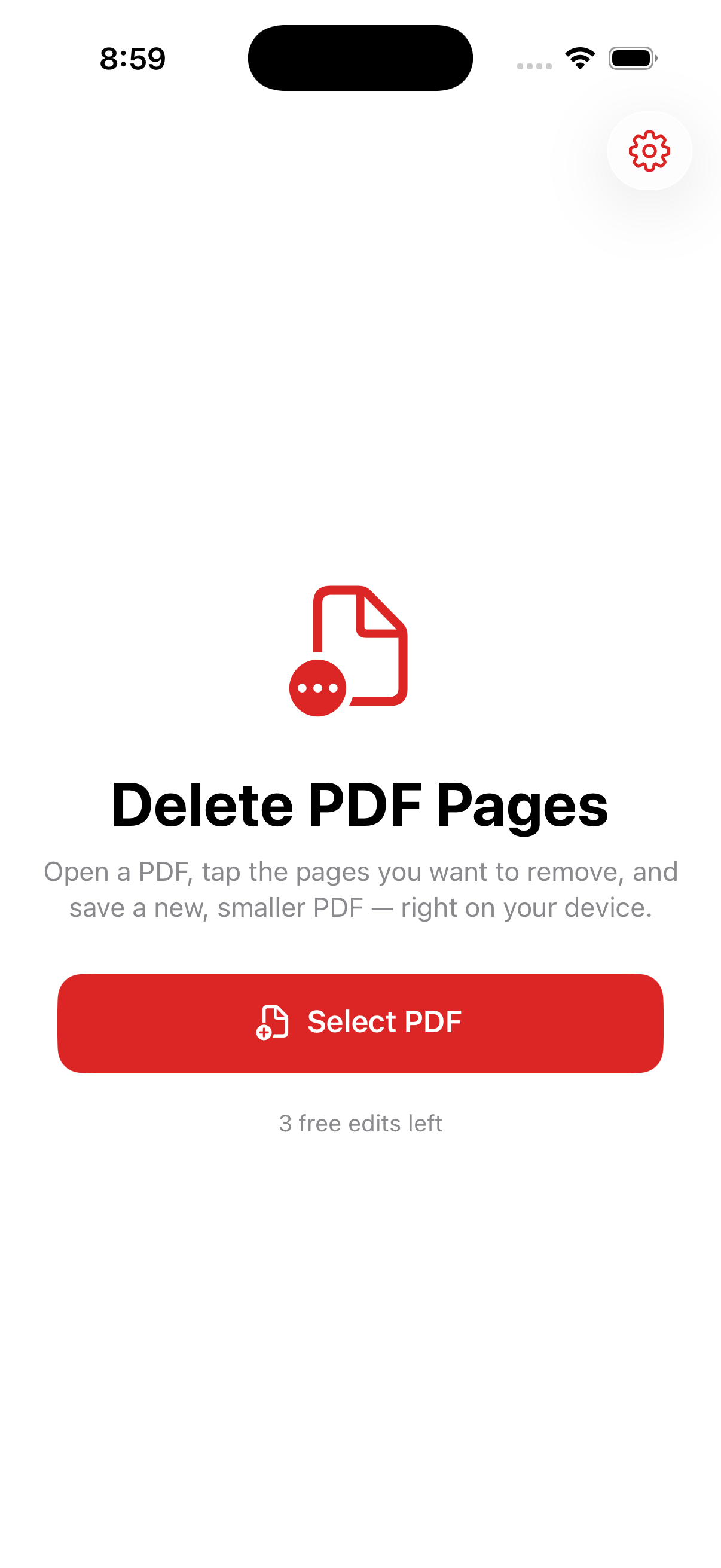
Open a PDF, tap the pages you want gone, and save a new, smaller file — right on your iPhone. Your text, annotations, and links stay exactly as they were.

One job, done well — and done privately.
See every page in a grid and tap the ones you want removed. A live count shows what you'll keep.
Text, images, annotations, and links on the kept pages are preserved — nothing is flattened or re-rendered.
Fewer pages means a lighter PDF that's easier to email, upload, or store.
No servers, no accounts. Your documents never leave your iPhone.
Save the trimmed PDF, or share it straight to Files, Mail, or any app.
No watermark, no weekly fee, no ad before every export. One purchase, yours forever.
No tutorial, no account, no setup.
Pick any PDF from Files or your apps.
Marked pages turn red; the rest stay.
Save it or share it — done.
Pay once, use forever. No ads, no subscription.
Open a PDF, tap the pages you want to remove (they turn red), and tap Delete. Then save the new, smaller PDF or share it. A live count always shows how many pages you'll keep.
No. The pages you keep stay exactly as they were — text, images, annotations, and links are all preserved. Nothing is re-rendered or flattened.
Never. Everything happens on your iPhone — no servers, no accounts, no cloud.
No. One payment unlocks unlimited edits forever. No ads, no weekly fees.
Trimming scans, dropping blank or duplicate pages, splitting out a section, or cutting a long report down to just the pages that matter.
Delete the pages you don't need — on-device, no ads, no subscription.
Download on theApp Store