No ads · No subscription · On-device
Open .eml files
Open .eml files
on your iPhone.
Read the headers, body and attachments of local .eml email files — fully on device.
Download on theApp StoreFree to try · $4.99 one-time unlock
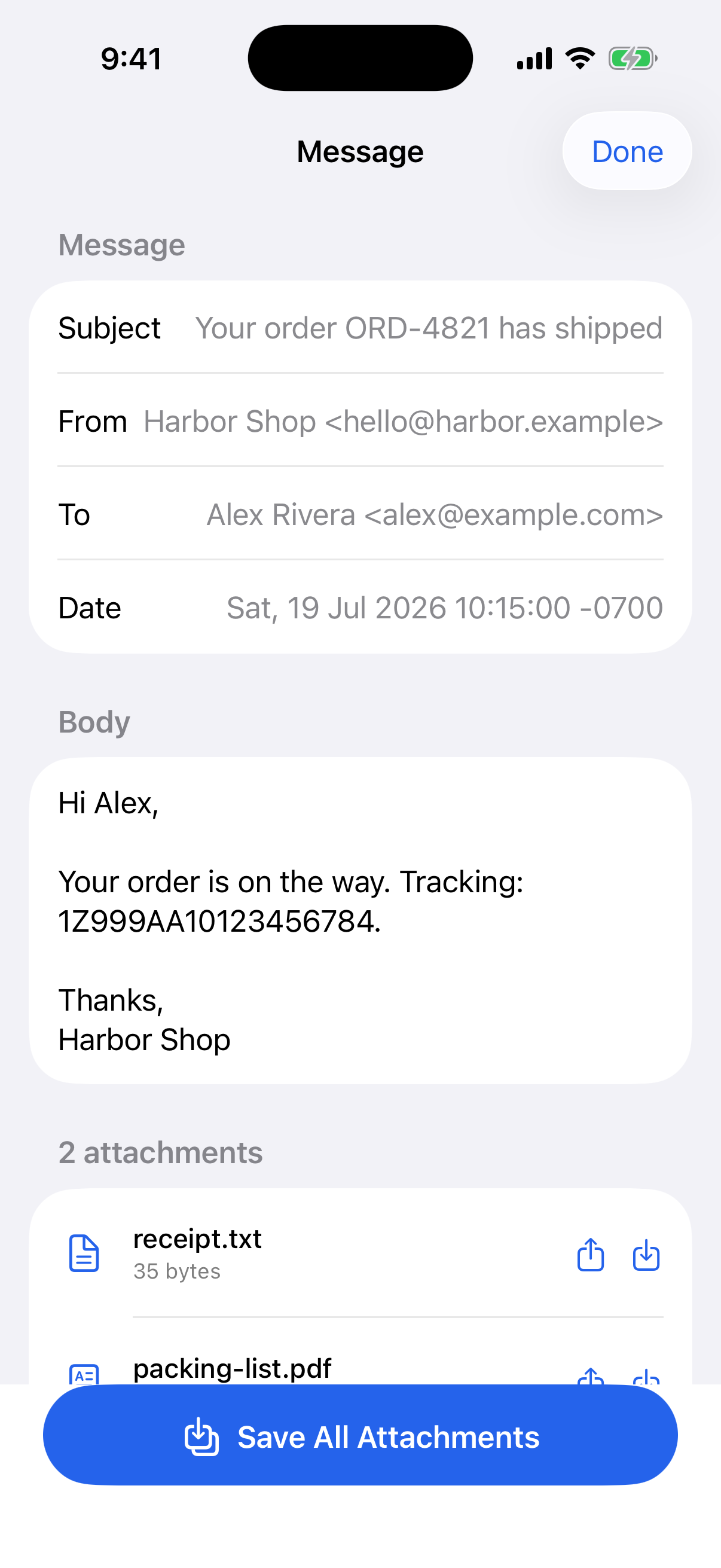
Read the headers, body and attachments of local .eml email files — fully on device.
Nothing leaves your iPhone.
From, To, Subject and Date, laid out clearly.
Read the message the way it was sent.
Save or share each attached file, or save them all at once.
No account, no setup.
Pick the email file you were sent.
Headers and body, right there.
One at a time or all at once.
Try it free. One purchase unlocks unlimited attachment saves.
Local .eml email files. You can read the From, To, Subject and Date, the plain text or HTML body, and the attachments.
No. Emly is 100% private — nothing leaves your iPhone.
No. It's free to try, and one $4.99 purchase unlocks unlimited attachment saves. No ads.