No ads · No subscription · On-device

ePub to PDF.
PDF to ePub.

Read it on paper, or read it on your e-reader. Reflowly converts both ways, entirely on your iPhone or iPad — and you see every page before you save.

Download on theApp Store$4.99 once — yours forever
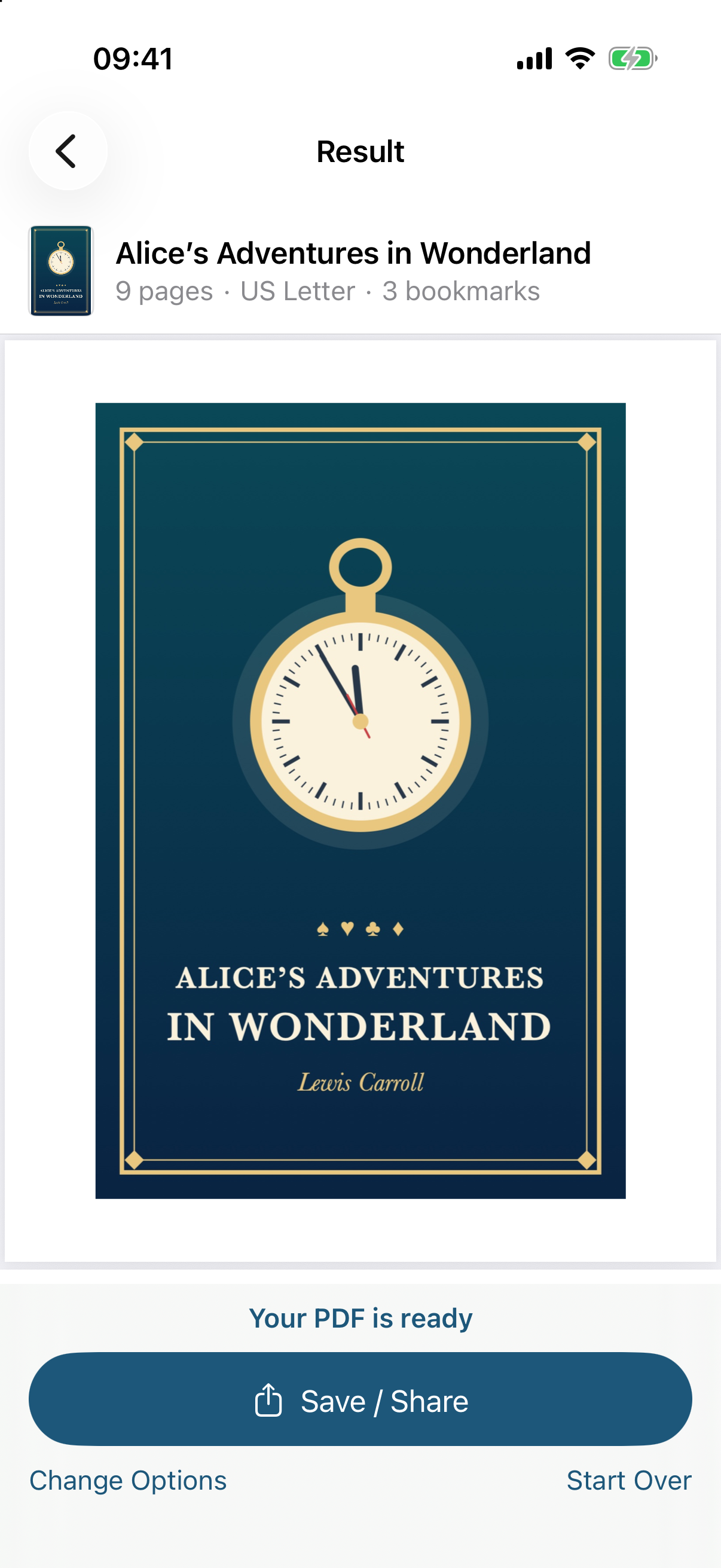
Reflowly screenshot
Both directions Nothing uploaded No ads, no subscription Pay once

Everything you need, nothing you don't

One job, done well — and done privately.

Printable PDFs

Each chapter on a new page, cover first, contents as bookmarks — A4 or US Letter, three margins, three text sizes.

Reflowable ePubs

Headers and page numbers removed, split words joined, paragraphs made whole, two-column pages read in order.

See it first

Scroll every PDF page, or read every reflowed chapter, before you decide.

Three taps

No tutorial, no account, no setup.

Pick a file

An ePub or a text PDF from Files.

Choose the options

Paper, margins and text size — or chapter breaks.

Preview, then save

Save to Files or send it to your e-reader app.

One-time purchase
$4.99 once

Try it free, pay once to keep the results. No ads, no subscription.

  • Converting and previewing are free
  • One payment unlocks saving and sharing
  • Everything on-device & private
  • No ads and no subscription, ever
Download on theApp Store

Questions, answered

What does it do?

It turns a DRM-free ePub into a paginated, printable PDF, and a text PDF into a reflowable ePub that fits any e-reader screen.

Which books work?

DRM-free ePubs only — books bought in e-book stores are usually copy-protected and can't be converted. PDF to ePub needs selectable text, so scans have nothing to reflow, and complex layouts like magazines and forms may reflow imperfectly.

Are my files uploaded?

Never. Converting runs on your iPhone or iPad — no upload, no account, no server.

Is it a subscription?

No. Converting and previewing are free. One $4.99 purchase unlocks saving and sharing the converted file, for good. No ads.
Paper or e-reader — your choice

Convert on your iPhone — preview every page, pay once to save.

Download on theApp Store