No ads · No subscription · On-device

Every contact,
one safe file.

Switching phones? Back up every contact on your iPhone to a single vCard (.vcf) file — then AirDrop it, share it, or save it to Files.

Download on theApp Store$4.99 once — yours forever
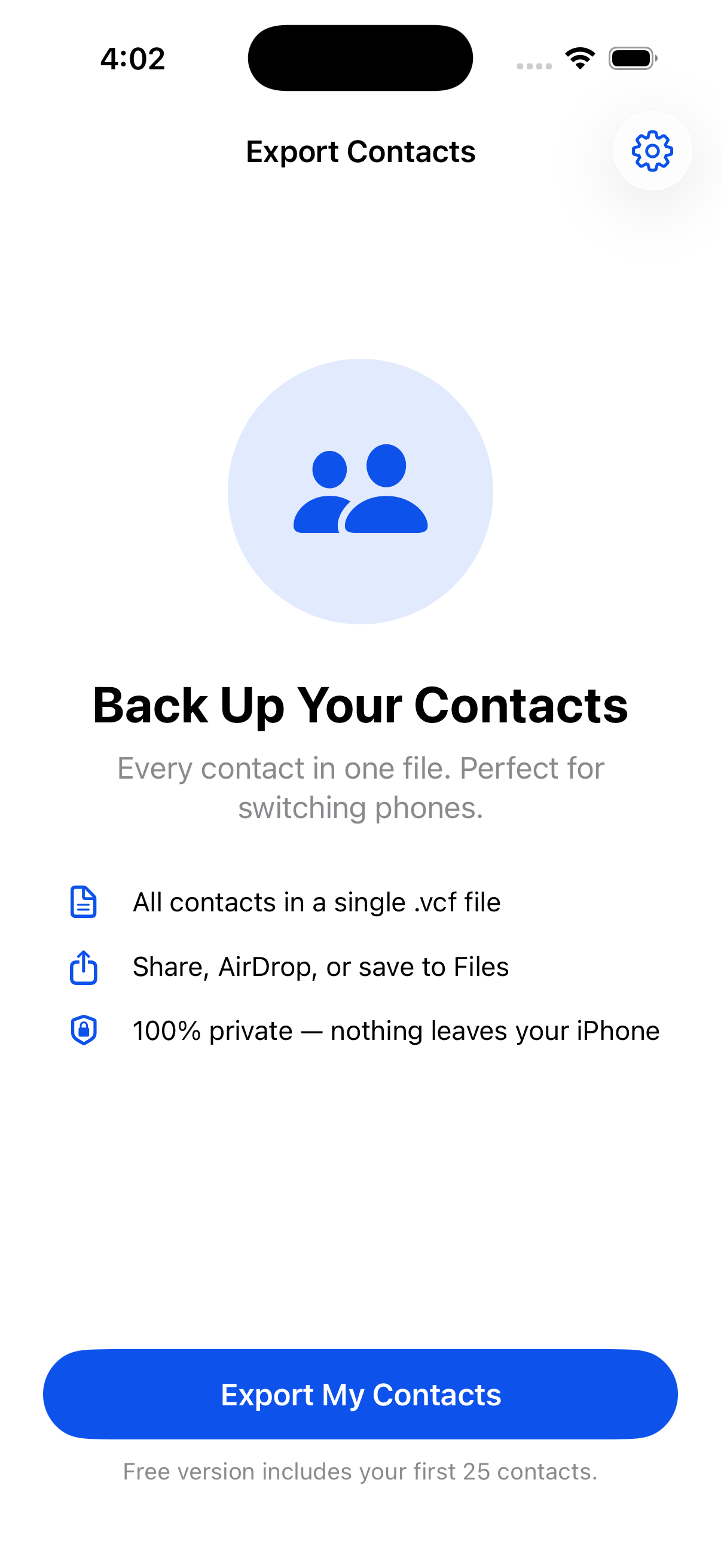
Export Contacts screenshot
All contacts in one .vcf Nothing leaves your iPhone No ads, no subscription Works with any phone

Everything you need, nothing you don't

One job, done well — and done privately.

One file, every contact

Names, numbers, emails and more, saved into a single standard .vcf file.

Share it anywhere

AirDrop to your new phone, email it to yourself, or save it to Files.

100% private

Everything happens on your iPhone. Your contacts are never uploaded.

Made for switching phones

One backup today restores your whole address book on any phone.

No account needed

No sign-up, no cloud, no setup. Open it and export in seconds.

Pay once

No weekly fee, no ads. Others charge a subscription to hold your own contacts.

Three taps

No tutorial, no account, no setup.

Tap Export

Grant contact access, and the app reads your address book.

Get one .vcf file

Every contact bundled into a single vCard, ready in seconds.

Share or save

AirDrop, share, or save to Files — then restore on any phone.

One-time purchase
$4.99 once

Pay once, use forever. No ads, no subscription.

  • Back up unlimited contacts
  • Everything on-device & private
  • No ads and no subscription, ever
  • Every future update included
Download on theApp Store

Free to try — your first 25 contacts export at no cost.

Questions, answered

What file does it create?

A single standard vCard (.vcf) file containing all your contacts — names, numbers, emails and more. Any phone can read it.

How do I move contacts to a new phone?

Export once, then AirDrop the .vcf to your new phone, email it to yourself, or save it to Files. Opening the file restores your contacts.

Are my contacts uploaded?

Never. Everything happens on your iPhone — no servers, no accounts. Nothing leaves your device.

Is it a subscription?

No. One payment unlocks unlimited backups forever. No ads. Others charge a weekly subscription just to hold your own contacts — this doesn't.

Is there a free version?

Yes. Your first 25 contacts export for free so you can try it. Unlock once to back up your entire address book.

Back up your contacts

Every contact in one safe file — on-device, no ads, no subscription.

Download on theApp Store