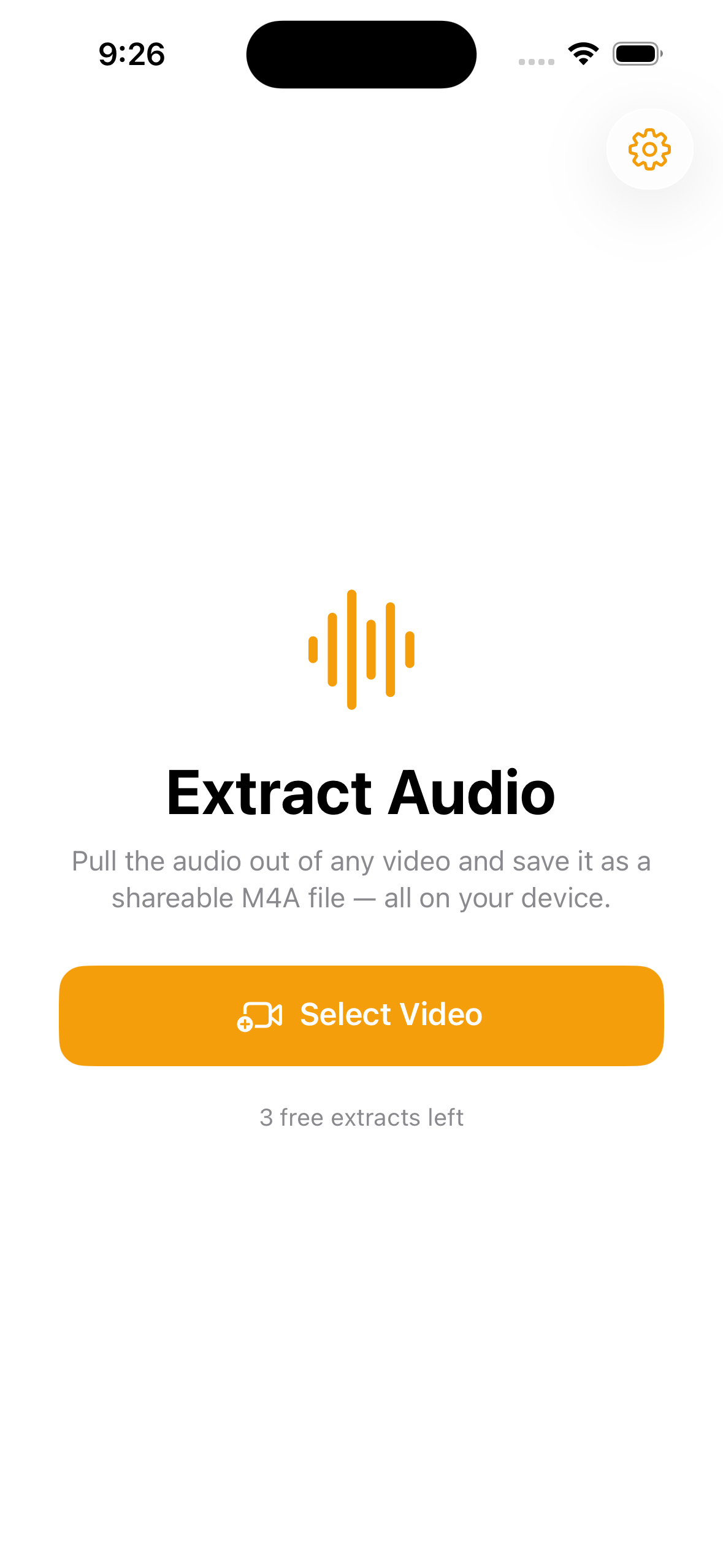
A song in a clip, a lecture, an interview, a voice memo buried in a video. Audly pulls the audio track out of any video and saves it as a shareable M4A file.

One job, done well — and done privately.
Pick a video and Audly pulls its sound into a clean, shareable M4A file.
See the duration and file size, then play the audio right in the app.
Saved as native M4A/AAC at full quality — the format your iPhone already speaks.
No servers, no accounts. Your videos never leave your iPhone.
Send it to Messages, Voice Memos, your Mac, or drop it into the Files app.
No watermark, no weekly fee, no ad before every extract.
No tutorial, no account, no setup.
Choose any clip from your library.
Audly pulls the sound into an M4A file on your device.
Send it anywhere or save it to Files.
Pay once, use forever. No ads, no subscription.
M4A (AAC) — the native audio format your iPhone already uses — at full quality. It plays in Music, Voice Memos, Files, and on your Mac.
No. Audly saves native M4A/AAC at full quality, without re-encoding to a lossy MP3. M4A works everywhere on Apple devices and most players.
Never. Everything happens on your iPhone — no servers, no accounts.
No. One payment unlocks unlimited extracts forever. No ads.
Songs in clips, lectures, interviews, podcasts, and voice memos buried inside a video.
Pull the audio out of any video — on-device, no ads, no subscription.
Download on theApp Store