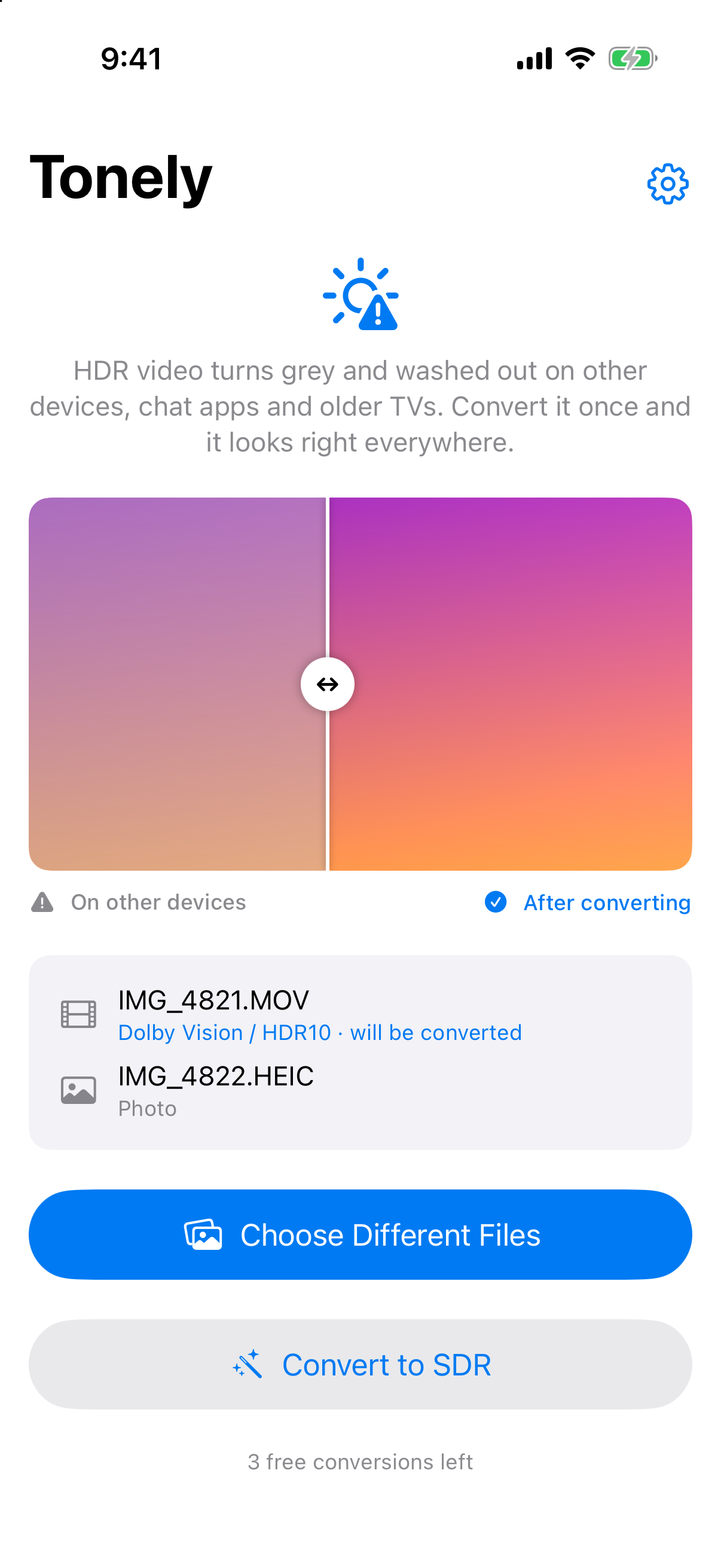
Your iPhone records video in HDR. Elsewhere it can look grey, flat and washed out. Tonely converts it to standard range — and shows you the difference before you commit.

Bright skies keep their detail instead of blowing out to flat white.
Drag the slider on the before/after preview to compare, using your own footage.
Highlights are rolled off so they keep their detail. Relabelling a file as SDR is what makes it look grey.
Both detected automatically. Video that's already standard range is left alone — and the app says so.
Flattens the gain map so a photo looks the same wherever it lands.
Convert a whole set in one go.
Everything happens on your iPhone. Nothing is uploaded.
Pick, compare, convert.
HDR videos, HDR photos, or a whole set.
Drag the slider to see before and after.
Then share or save the converted copies.
Try it free on your own footage. One purchase unlocks unlimited conversions.
HDR looks stunning on your phone, but on many other screens, chat apps and older TVs it can look grey and flat. Tonely converts it into standard-range video that looks the way you expect.
Tonely detects it and leaves it alone, and tells you so rather than re-encoding it for nothing.
No. Everything happens on your device.
No. Try it free; a single $4.99 purchase unlocks unlimited conversions.
Proper tone mapping on your iPhone — pay once.
Download on theApp Store