What does it do?
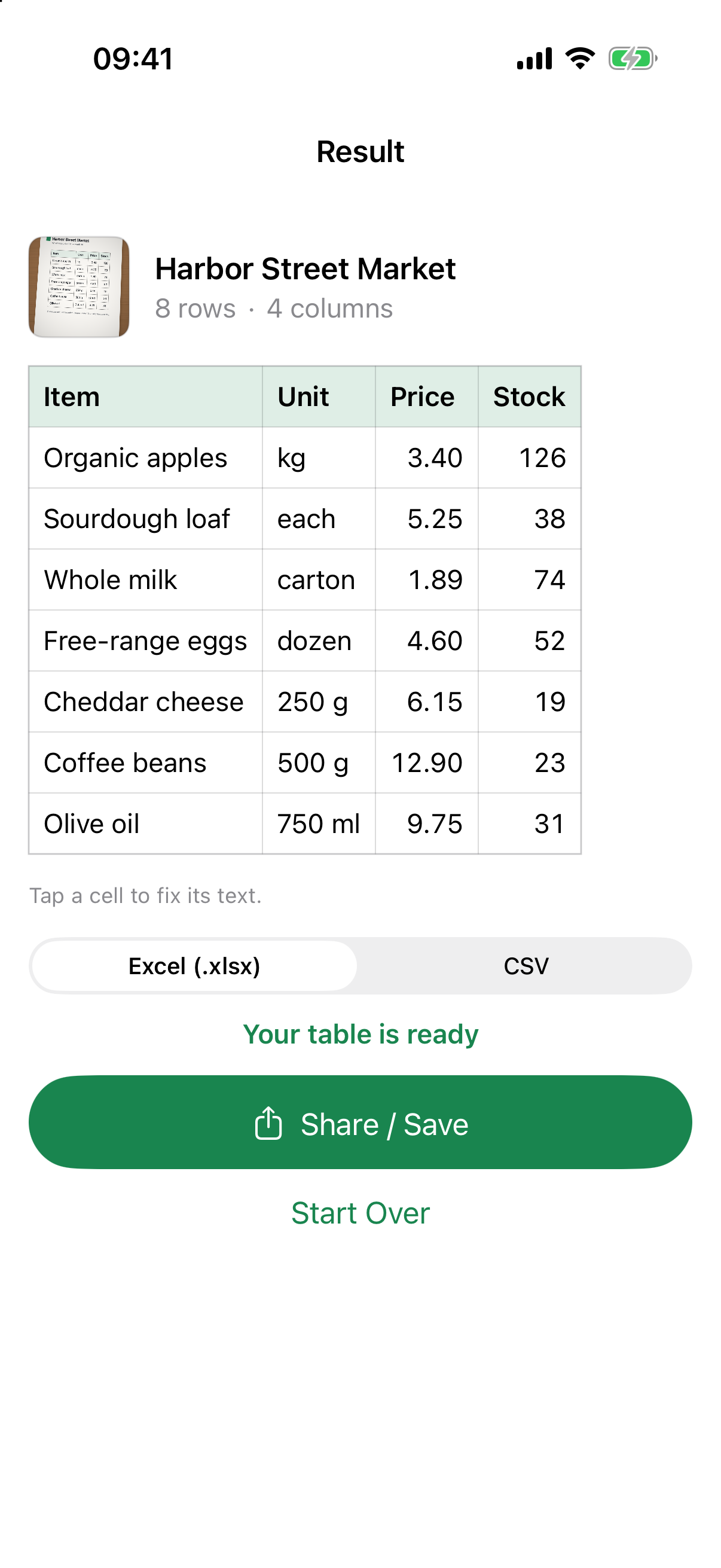
It reads a printed table — price lists, invoices, timesheets, statements, schedules — and turns it into a spreadsheet. Tilted photos are straightened first, and multi-page PDFs give one sheet per table.
Does it read handwriting?
It works best with clearly printed tables. Handwriting may not be recognized — which is why you see the whole grid, and can fix any cell, before you export.
Are my files uploaded?
Never. Everything runs on your iPhone — no account, no server, no tracking.
Is it a subscription?
No. Recognizing and checking a table is free. One $4.99 purchase unlocks export, for good. No ads.