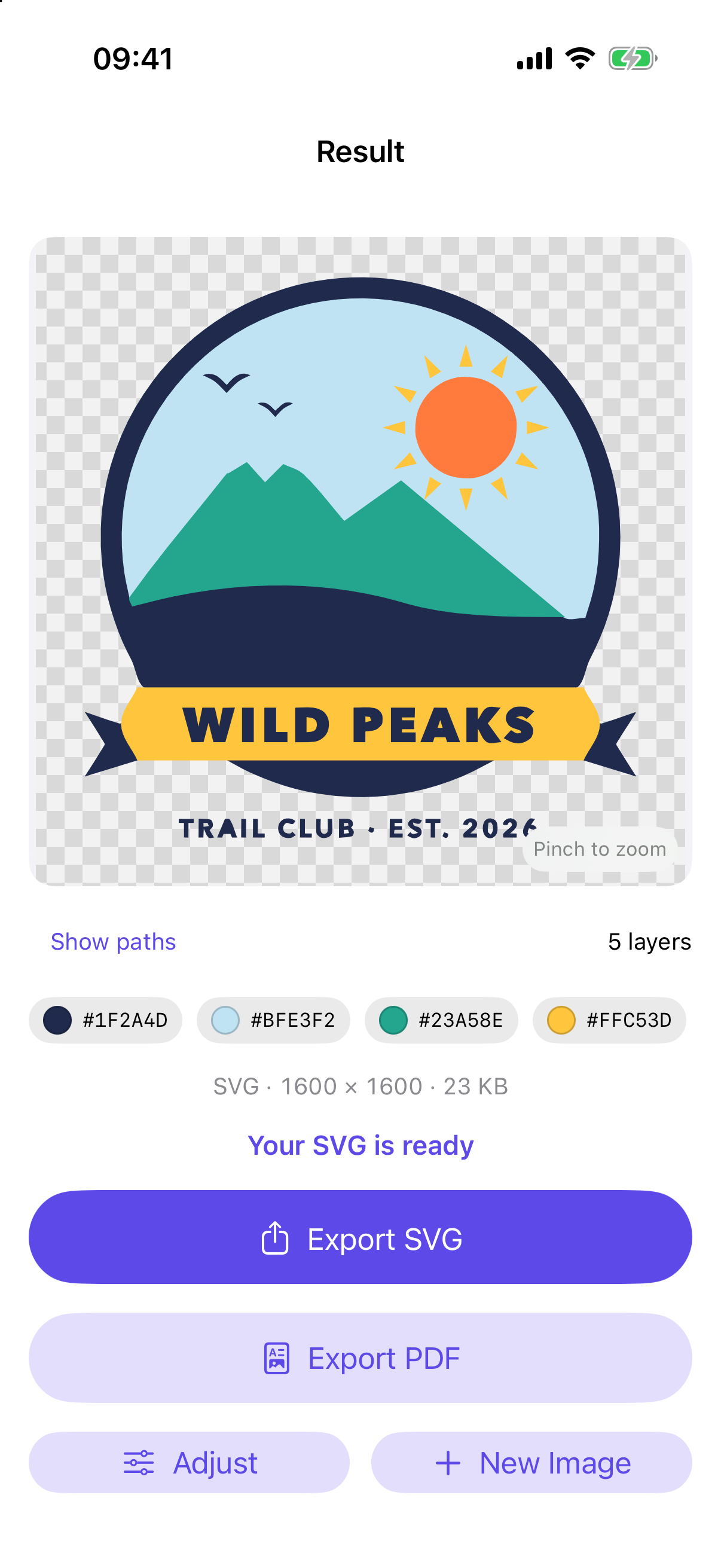
Vectorly traces a logo, drawing, icon or clip art into smooth vector shapes — a clean SVG for cutting machines, laser cutters, vinyl and design apps, made on your iPhone.

One job, done well — and done privately.
A one-color cut file, or 2 to 8 colors, each on its own layer with its own fill.
The inside of an “O” or an “A” is cut out, not filled, and the layout matches the image exactly.
Choose smooth curves or an exact trace, and let tiny specks and pinholes disappear.
No tutorial, no account, no setup.
From Photos or Files — a transparent PNG works too.
Colors or single color, detail, and specks.
A standard SVG, plus a vector PDF.
Try it free, pay once to keep the results. No ads, no subscription.
It traces an image into vector shapes and saves them as an SVG (and a vector PDF) you can scale forever — for cutting machines, laser cutters, vinyl, stencils and design apps.
Vectorly works best on logos, drawings, icons, text and clip art with clear edges. A photo becomes flat, poster-style shapes — not a photo-realistic vector.
Never. Tracing runs on your iPhone or iPad — no upload, no account, no server.
No. Choosing an image, tracing it and looking at the vector are free. One $4.99 purchase unlocks exporting, for good. No ads.
Trace it on your iPhone — see it first, pay once to export.
Download on theApp Store