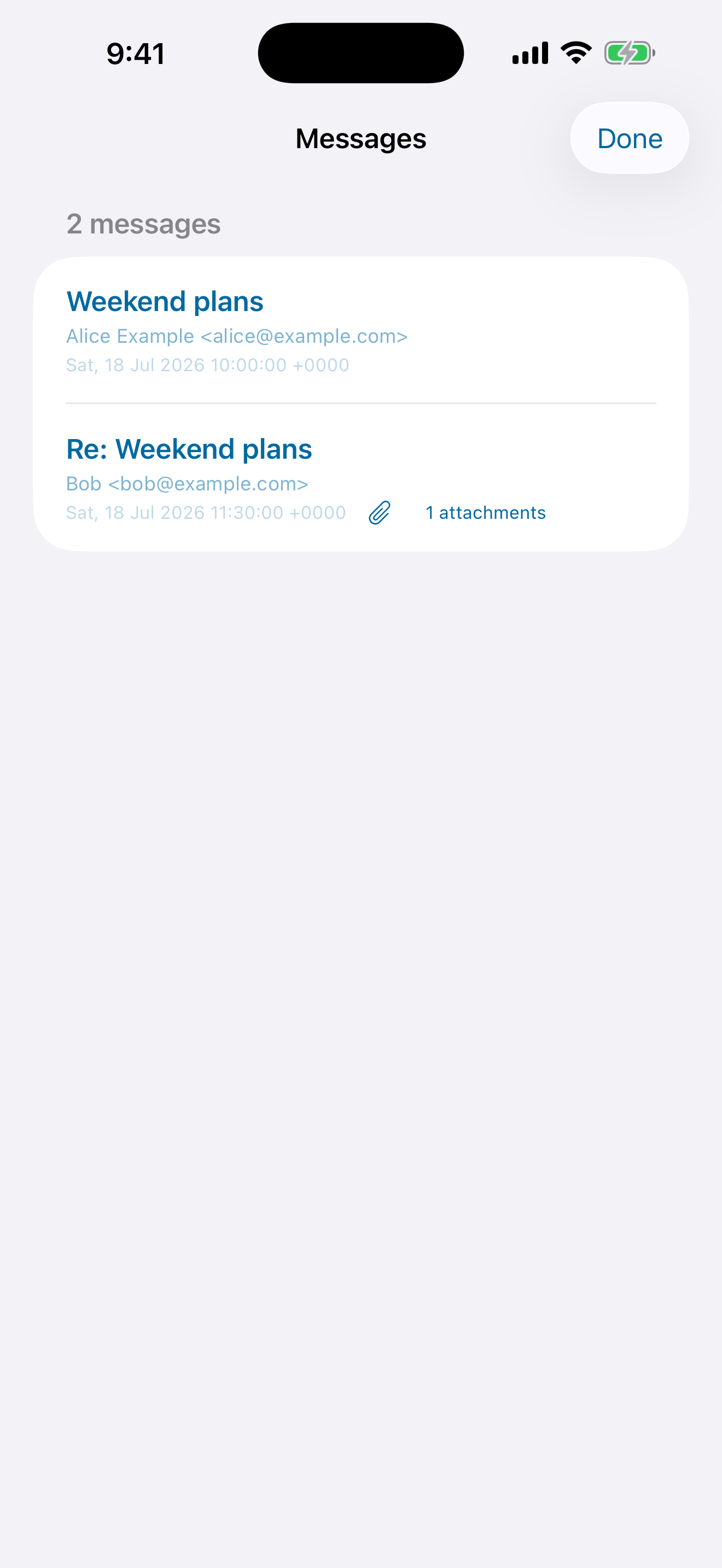
Open a Google Takeout or other .mbox mailbox, read every message, and save the attachments inside — all on-device.

One job, done well — and done privately.
Browse the whole mailbox with sender, subject and date.
Read message bodies in either format.
Save the files inside the mailbox to Files.
No tutorial, no account, no setup.
Pick the .mbox from Files.
Tap any message to open it.
Export them to Files.
Free to download and try — then pay once for unlimited use. No ads, no subscription.
.mbox mailboxes — including the ones in a Google Takeout export.
No. The mailbox is opened and read on your iPhone — no servers, no accounts.
No. It's free to download; one payment unlocks unlimited attachment exports. No ads.