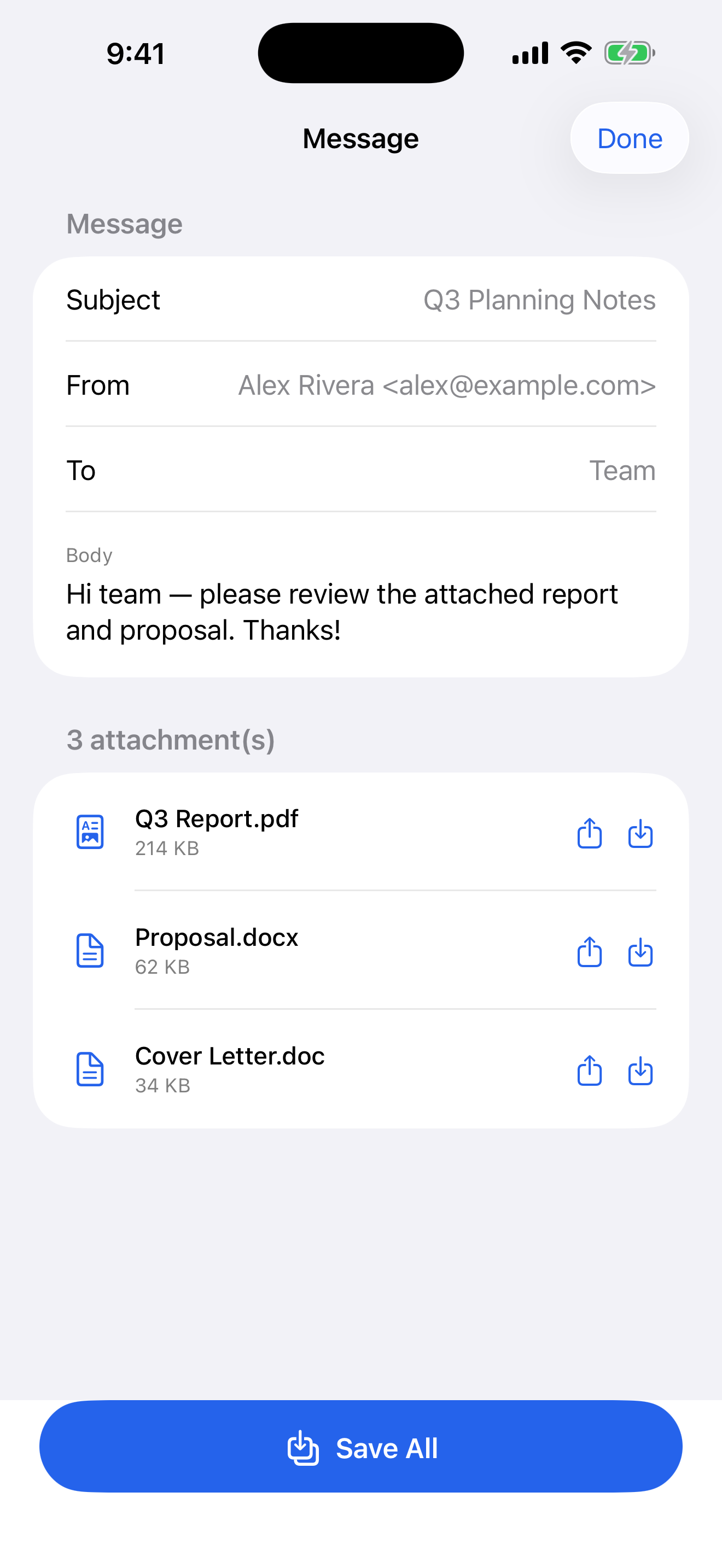
Open a local Outlook .msg email file, read the subject, from, to and message body, and extract its attachments to Files or share them — all on device.

One job, done well — and done privately.
Subject, from, to and the message body, laid out cleanly.
See each file inside a .msg and save it to Files or share it — or save them all at once.
100% private — nothing leaves your iPhone.
Fill it in, export it, done.
Any local .msg file.
Headers and body.
To Files, or share.
The free version saves your first 3 attachments. Pay once for unlimited attachment saves. No ads, no subscription.
Open a local Outlook .msg email file, read the subject, from, to and message body, and extract its attachments to Files or share them — all on device.
No. Msgly works on-device only — your details stay on your iPhone until you choose to share or print.
Msgly is free to download and saves your first 3 attachments free. A one-time $4.99 unlock gives unlimited attachment saves. No ads.