No ads · No subscription · On-device

Every PDF page,
as an image.

Need the pictures out of a PDF? Export every page as a JPG or PNG — one tap, right on your iPhone. No per-page ads, no subscription.

Coming soon to theApp Store$4.99 once — yours forever
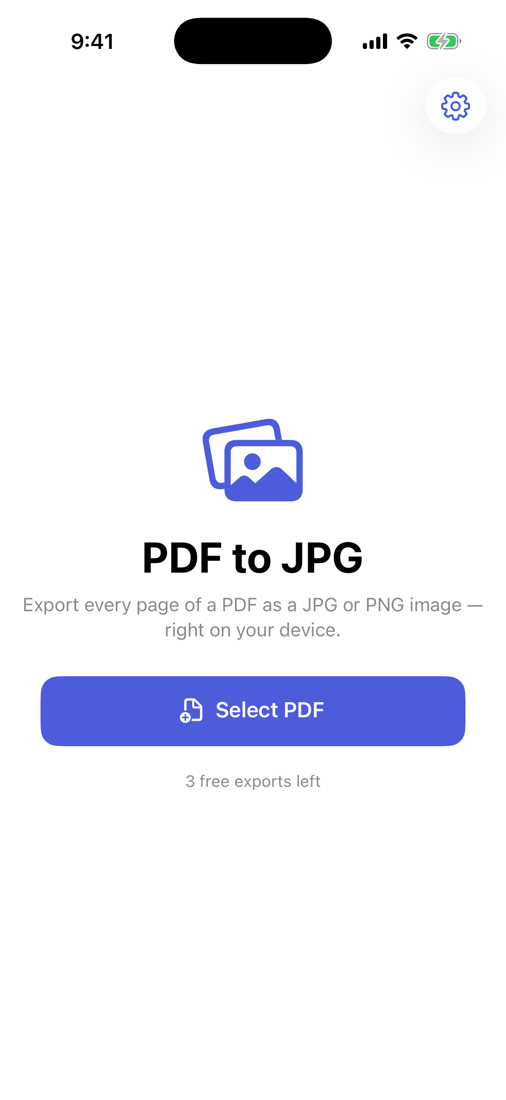
PDF to JPG screenshot
Every page, one tap JPG or PNG Documents stay private No ads, no subscription

Everything you need, nothing you don't

One job, done well — and done privately.

Every page at once

Export the whole PDF to images in order — no tapping through one at a time.

JPG or PNG

Smaller JPGs for sharing, or lossless PNG for sharp text and transparency.

Full resolution

Crisp 200 DPI pages — great on screen and for printing.

Save anywhere

Straight to Photos, Files, or share to any app.

100% private

No servers, no accounts. Your documents never leave your iPhone.

Pay once

No per-page ad-walls, no watermark, no weekly fee.

Three taps

No tutorial, no account, no setup.

Pick a PDF

Choose any file from Files or iCloud.

JPG or PNG

Choose your image format.

Export & save

Every page, ready in your camera roll.

One-time purchase
$4.99 once

Pay once, use forever. No ads, no subscription.

  • Unlimited use
  • Everything on-device & private
  • No ads and no subscription, ever
  • Every future update included
Coming soon to theApp Store

Questions, answered

Does it export every page?

Yes — the whole PDF becomes images in order, in one tap.

JPG or PNG?

Both. JPG for smaller files, PNG for lossless quality and transparency.

What resolution?

200 DPI — crisp on screen and good enough to print.

Are my documents uploaded?

Never. Everything happens on your iPhone.

Is it a subscription?

No. One payment, unlimited exports, no ads.

Get the images out

Export every PDF page as a JPG or PNG — on-device, no ads, no subscription.

Coming soon to theApp Store