No account · No sign-in · No subscription

Print your
calendar.

The Calendar app on your iPhone can't print. Calendiary can — pick a month, choose a layout, and get a clean PDF with your own events on it, or blank to fill in by hand.

Download on theApp StoreFree to download · $4.99 one-time unlock
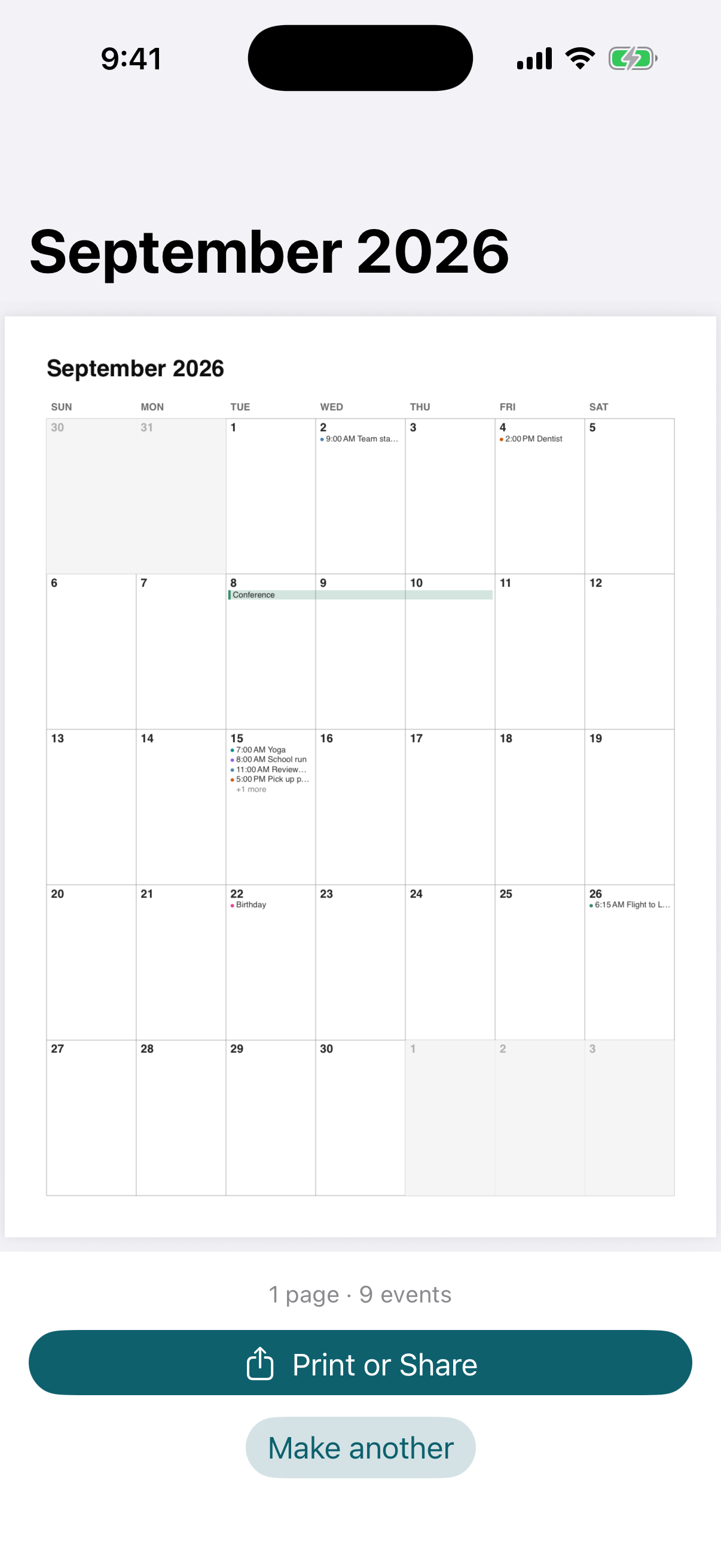
Calendiary screenshot
Month, week or agenda Letter or A4 Calendar stays on your iPhone No subscription

Everything you need, nothing you don't

One job, done well — and done privately.

Your events, printed

Pick which calendars to include — times, colours and all-day events carried across, multi-day events drawn as one bar.

Or a blank grid

A printable calendar for the fridge, the wall or a planner.

Three layouts

Month grid, week rows or an agenda list — one month or a whole year, on Letter or A4.

How it works

No tutorial, no account, no setup.

Pick a month

One month, or the whole year.

Choose a layout

Month, week or agenda — events or blank.

Print or share

A clean PDF, ready for paper.

One-time purchase
$4.99 once

Calendiary is free to try. A single $4.99 purchase unlocks unlimited calendars forever — no subscription, ever.

  • Unlimited calendars after unlock
  • Calendar read on the device, never uploaded
  • No account, no sign-in, no servers
  • No subscription, ever
Download on theApp Store

Questions, answered

What does it do?

It turns a month (or a whole year) into a clean PDF — with your events from the calendars you choose, or as a blank grid — in month, week or agenda layout, on Letter or A4.

Does my calendar leave my iPhone?

No. Your calendar is read on the device and never leaves it — no account, no sign-in, no servers.

Is it a subscription?

No. Calendiary is free to try, and a single $4.99 purchase unlocks unlimited calendars forever.

Your calendar, on paper

Events or blank — month, week or agenda.

Download on theApp Store