No ads · No subscription · On-device

Photo to
pumpkin stencil.

Turn a picture into a carving stencil, set the level of detail, then print it, tape it on and carve.

Download on theApp StoreFree to try · $4.99 one-time unlock
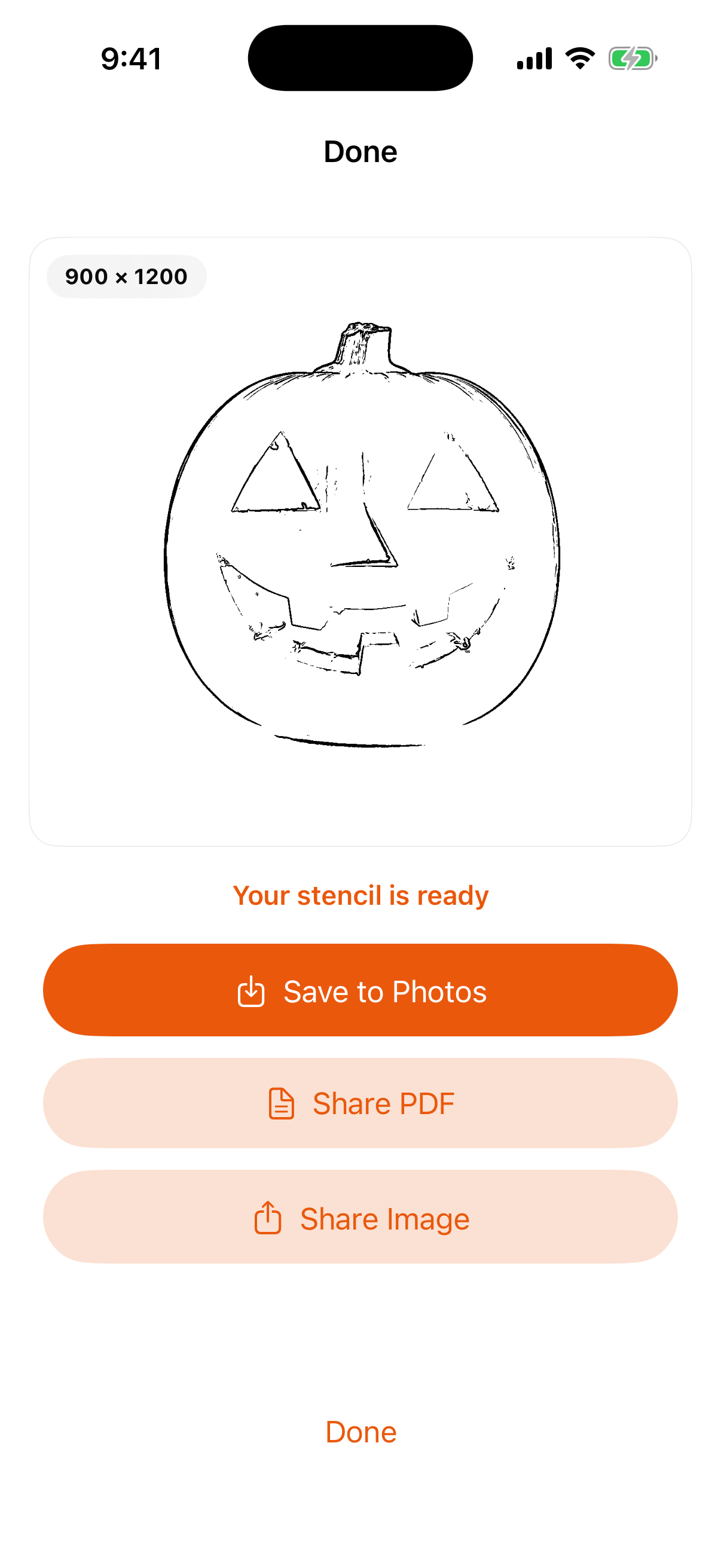
Pumpkinly carving stencil ready to save or share
Carving stencils from photos On-device only No ads, no subscription Pay once

From picture to pumpkin

A stencil you can actually carve.

Simple to fine detail

Slide from a simple carve to fine detail.

Two stencil styles

Solid Cutout gives black shapes to remove. Outline Trace gives lines to follow with a pen.

Print, tape on, carve

Save to Photos, or share the stencil as a PDF or an image.

Three steps

No tutorial, no account.

Pick a photo

The picture you want to carve.

Set the detail

And choose the stencil style.

Print and carve

Tape it on and start cutting.

Free to try
$4.99 once

Try it free. One purchase unlocks unlimited stencils.

  • Unlimited carving stencils
  • Solid Cutout or Outline Trace
  • Everything stays on your iPhone
  • No ads and no subscription
Download on theApp Store

Questions, answered

What's the difference between the two styles?

Solid Cutout shows black shapes to remove. Outline Trace shows lines to follow with a pen.

Is anything uploaded?

No. Pumpkinly works on-device only.

Is it a subscription?

No. It's free to try, and one $4.99 purchase unlocks unlimited use. No ads.

Carve something personal

On-device, no ads, no subscription — pay once.

Download on theApp Store