No ads · No subscription · On-device

Hit the exact size
the form wants.

“Under 200 KB.” “Max 1024 pixels.” Resize Image hits the exact file size or dimension you need, in one tap.

Download on theApp Store$4.99 once — yours forever
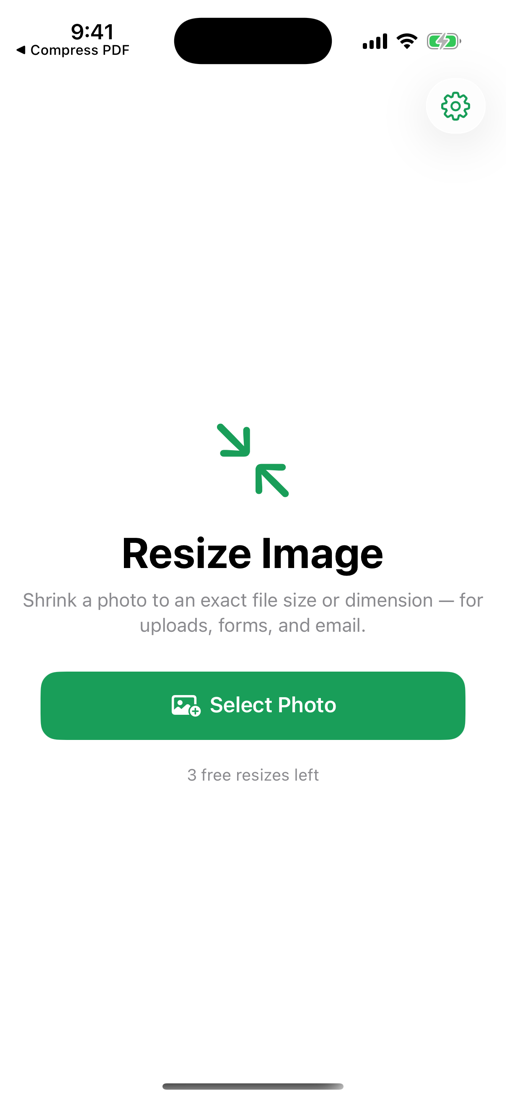
Resize Image screenshot
Exact KB or pixels Photos never uploaded No ads, no subscription Full quality

Everything you need, nothing you don't

One job, done well — and done privately.

Hit a target size

Tell it 'under 100 KB' and it finds the largest, sharpest version that fits.

Or set a dimension

Scale to a max width/height — 640, 1024, 1920 — aspect kept.

Made for uploads

Government forms, job sites, medical portals, ID uploads, email limits.

100% on-device

No servers, no accounts. Your photos never leave your iPhone.

Smart & fast

A quick search finds the best quality that meets your target.

Pay once

No watermark, no weekly fee, no ad before every save.

Three taps

No tutorial, no account, no setup.

Pick a photo

Choose any photo from your library.

Choose a target

An exact KB size, or a max dimension.

Save or share

Ready to upload anywhere.

One-time purchase
$4.99 once

Pay once, use forever. No ads, no subscription.

  • Unlimited use
  • Everything on-device & private
  • No ads and no subscription, ever
  • Every future update included
Download on theApp Store

Questions, answered

Can it hit an exact file size?

Yes — choose a target like 200 KB and it returns the largest, sharpest image that fits under it.

Or resize by pixels?

Yes — set a max dimension (640, 1024, 1920…) and it scales while keeping aspect ratio.

Are my photos uploaded?

Never. Resizing happens entirely on your iPhone.

Is it a subscription?

No. One payment, unlimited resizes, no ads.

What's it for?

Meeting upload limits on forms, job portals, ID sites, and email.

Beat the upload limit

Resize to an exact KB or pixel size — on-device, no ads, no subscription.

Download on theApp Store