No ads · No subscription · On-device

Ring size,
calibrated.

Calibrate the screen with a credit card, then match a ring you already own to on-screen circles — or print a sizer chart at 100% scale. US, UK and EU sizes.

Download on theApp StoreFree to download · $4.99 one-time unlock

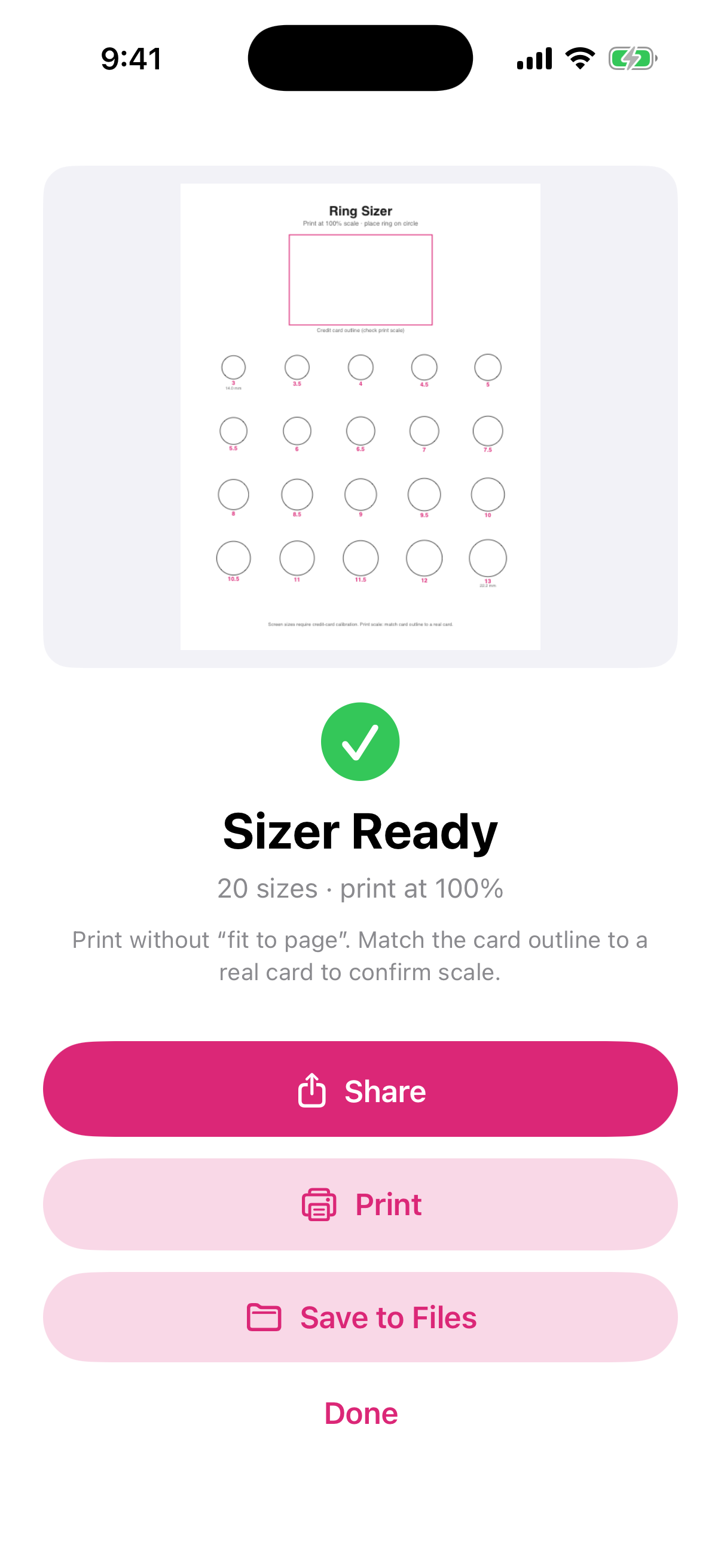
For true scale: calibrate against a real credit card first. When printing, print at 100% without “fit to page” and check the card outline against a real card. If a ring doesn't match its circle, recalibrate.
RingGauge screenshot
US · UK · EU sizes Credit-card calibration No ads, no subscription Pay once

Everything you need, nothing you don't

One job, done well — and done privately.

Credit-card calibration

Slide the guide until it matches a real credit card for true on-screen scale.

US, UK and EU circles

Place your ring on the circle to read its size on all three scales.

Printable sizer PDF

A chart of 20 sizes at 100% scale, with a card outline to check the print.

How it works

No tutorial, no account, no setup.

Calibrate

Match the guide to a real card.

Match your ring

Or print the sizer chart at 100%.

Read the size

US, UK or EU.

One-time purchase
$4.99 once

Free to download and try — then pay once for unlimited use. No ads, no subscription.

  • Unlimited printable sizer PDFs after unlock
  • Everything on-device & private
  • No ads and no subscription
  • US, UK and EU scales
Download on theApp Store

Questions, answered

How do I make sure the scale is right?

On screen, calibrate with a real credit card first. For the printed chart, print at 100% (turn off “fit to page”) and check that the card outline matches a real card before you measure. If a ring doesn't match its circle, recalibrate.

Is anything uploaded?

No. Everything stays on your iPhone — no servers, no accounts.

Is it a subscription?

No. It's free to download; one payment unlocks unlimited sizer PDFs. No ads.

Find the size before you buy

Card-calibrated ring sizing — on-device, pay once.

Download on theApp Store