Bezelly puts any screenshot inside a clean device frame on a color, gradient, blur or see-through background — sized for posts, stories and slides.

One job, done well — and done privately.
Picked from the screenshot's size — a phone with an island, a notch or a home button, or a tablet. Landscape gets a landscape frame.
A see-through PNG, a solid color, a gradient, or a soft blur of the screenshot itself.
Full resolution, or 4:5, 9:16, 1:1 and 16:9 for posts, stories and slides.
No tutorial, no account, no setup.
Bezelly chooses the frame from its size.
Five frame colors, a background, and an optional headline.
See the finished image first, then save or share.
Try it free, pay once to keep the results. No ads, no subscription.
It places a screenshot inside a device frame on the background you choose, at its own resolution — never stretched — ready to post, pitch or present.
The frames are drawn by the app as simple shapes and fit iPhone and iPad screenshots. Any other size gets a simple rounded frame that keeps its exact shape.
Never. It all happens on your iPhone or iPad — no upload, no account, no server.
No. Choosing a screenshot, styling it and seeing the finished image are free. One $4.99 purchase unlocks saving and sharing, for good. No ads.
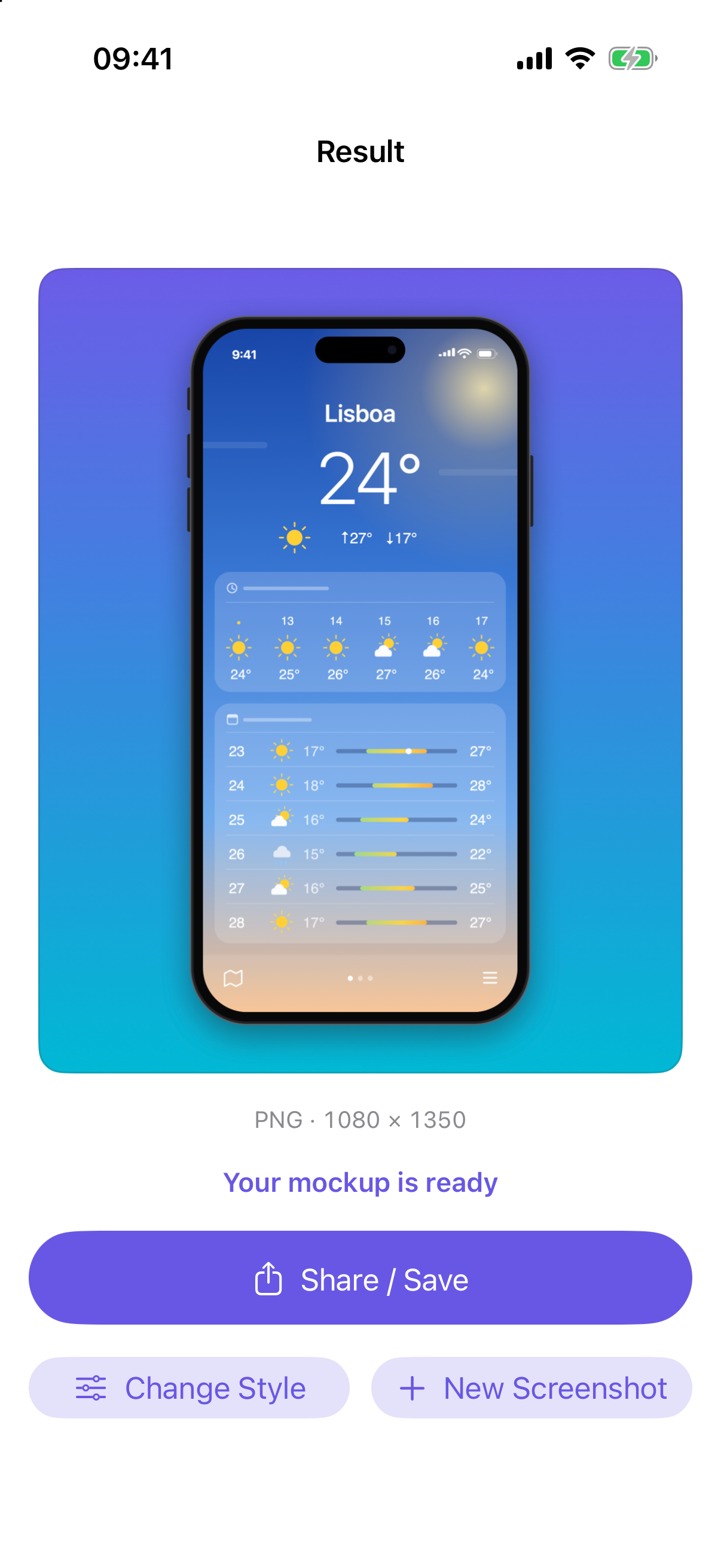
Device frames for your posts — on your iPhone or iPad, pay once.
Download on theApp Store