How do I blur faces in a photo?
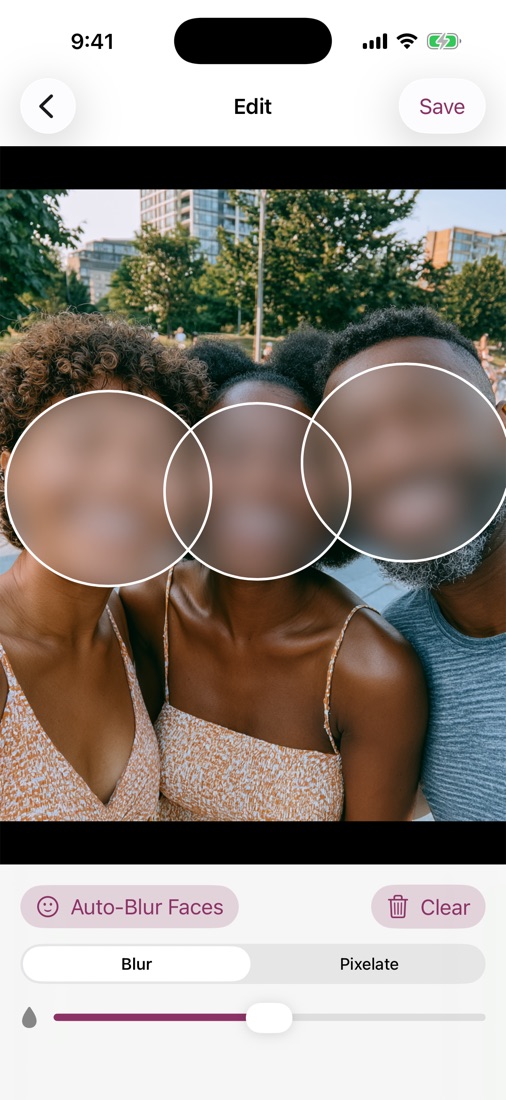
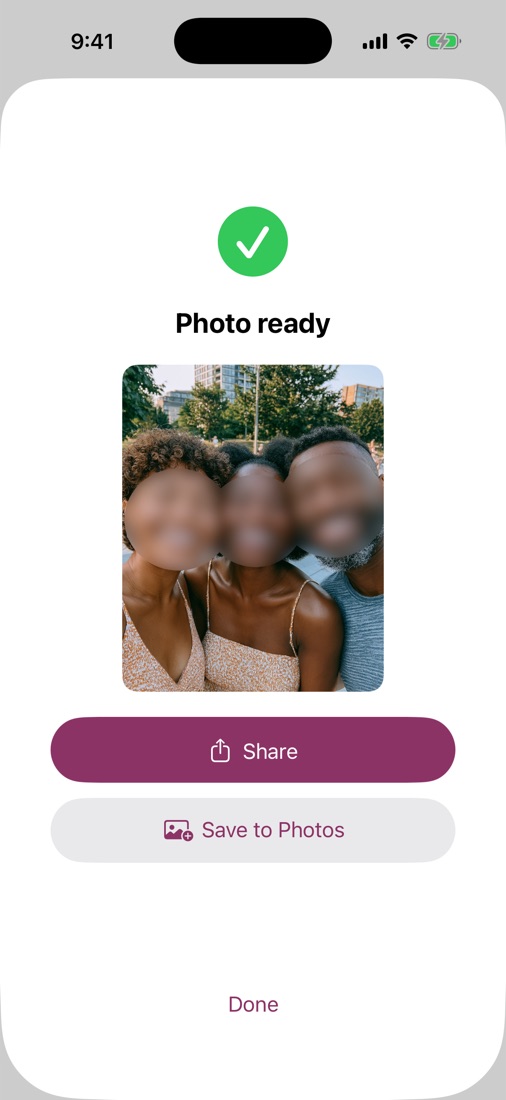
Open a photo and tap Auto-Blur Faces — the app detects every face on your device and blurs them instantly. You can also tap any face or object yourself to blur it by hand.
Can I blur just one person and leave the others?
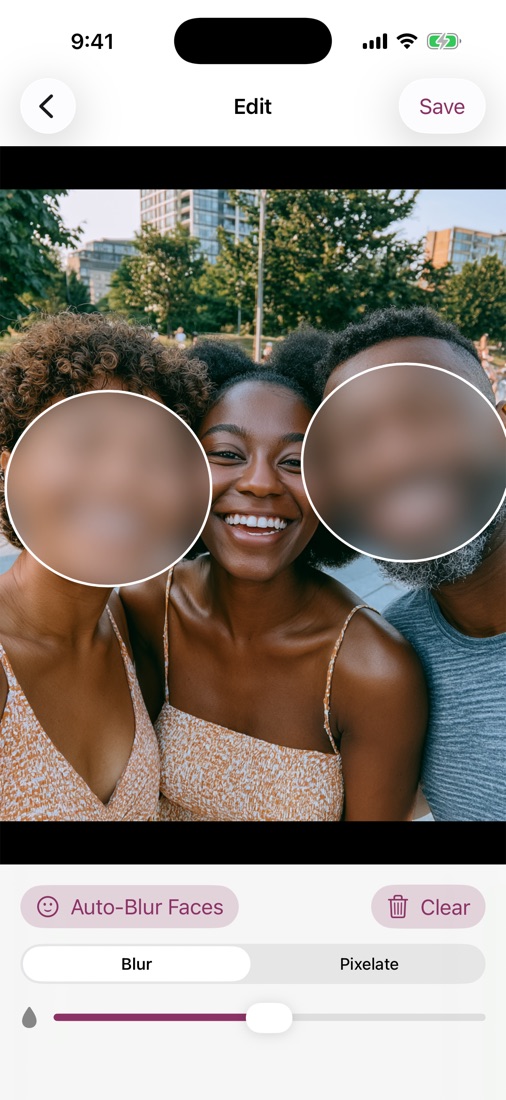
Yes. Each blur is its own region — add, remove, move, or resize them individually, so you can protect one person in a group and leave the rest untouched.
Can I blur license plates or other things, not just faces?
Absolutely. Tap to blur license plates, house numbers, screens, documents, ID cards, tattoos — anything you don't want visible.
Are my photos uploaded anywhere?
Never. Face detection and blurring happen entirely on your iPhone. There are no servers, no accounts, and no analytics — your photos never leave the device.
Blur or pixelate — what's the difference?
Blur is a soft gaussian smear; pixelate breaks the area into chunky blocks. Both fully obscure the content — pick whichever look you prefer and set the strength.
Is it a subscription?
No. One payment of $4.99 unlocks everything forever, including future updates. No weekly fees, no ads.