No ads · No subscription · On-device

iPhone photos that
open anywhere.

Your iPhone saves photos as HEIC — and then they won't open on Windows, won't upload to some sites, and won't email cleanly. Convert them to universal JPG, PNG, or PDF in two taps.

Download on theApp Store $4.99 once — yours forever
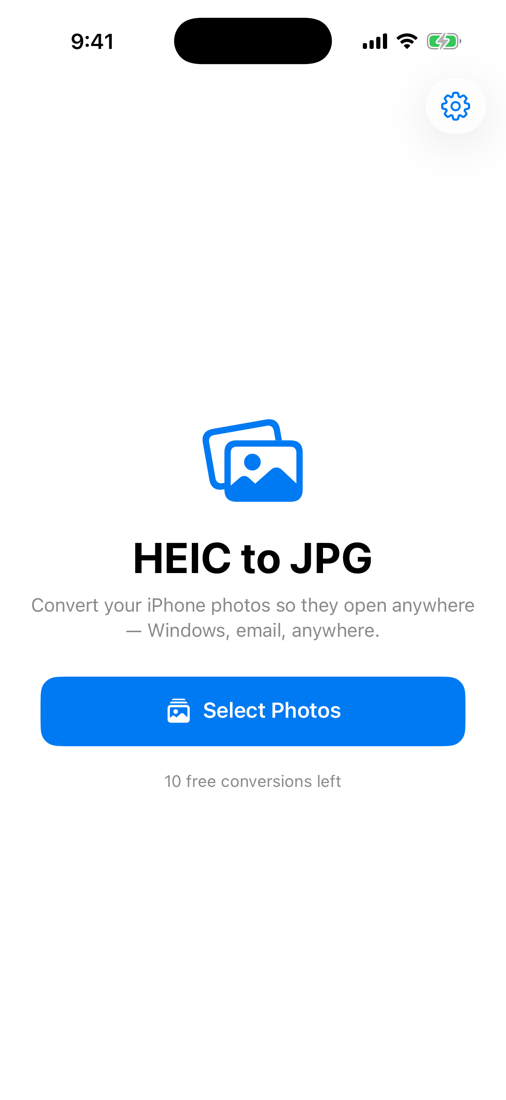
HEIC to JPG home screen
No ads, ever No subscription Photos never leave your phone Full quality

Everything you need, nothing you don't

A single job done well — convert your photos to a format that works everywhere.

Batch convert

Pick a whole album and convert every photo at once. No one-at-a-time grind.

JPG, PNG & PDF

JPG that opens everywhere, PNG for transparency, or combine shots into one PDF.

100% private

Everything happens on your iPhone using Apple's frameworks. Nothing is ever uploaded.

Keeps your quality

Full resolution, with the option to preserve photo details (EXIF) when you want them.

Save anywhere

Save to Photos, save to Files, or share straight to email, chat, or your computer.

Fast & offline

Works with no internet. Conversions happen instantly, right on the device.

Done in three taps

No tutorial, no account, no setup.

Select your photos

Choose one photo or a whole album through Apple's secure picker.

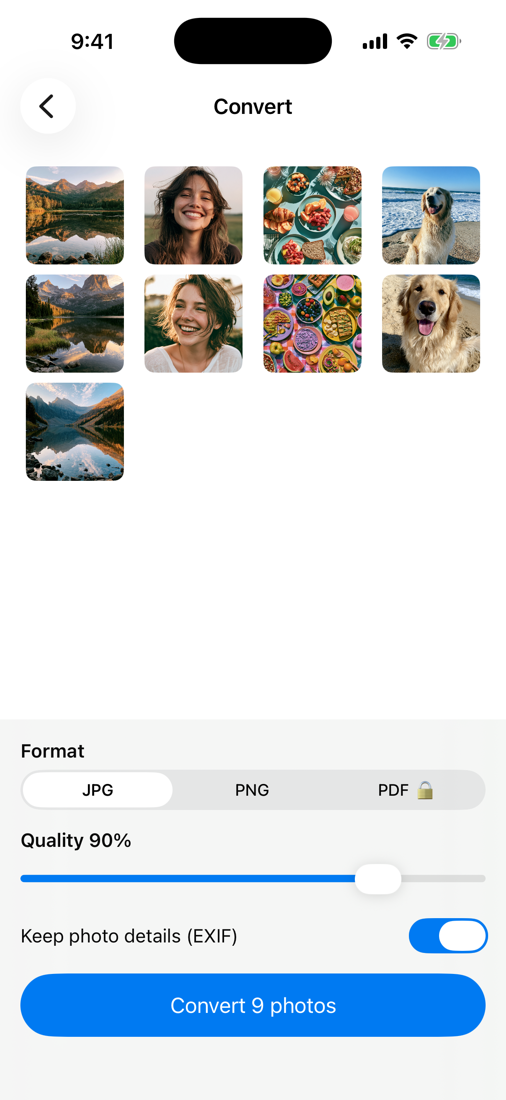
Pick a format

JPG, PNG, or PDF — and tap Convert. It's done in a moment.

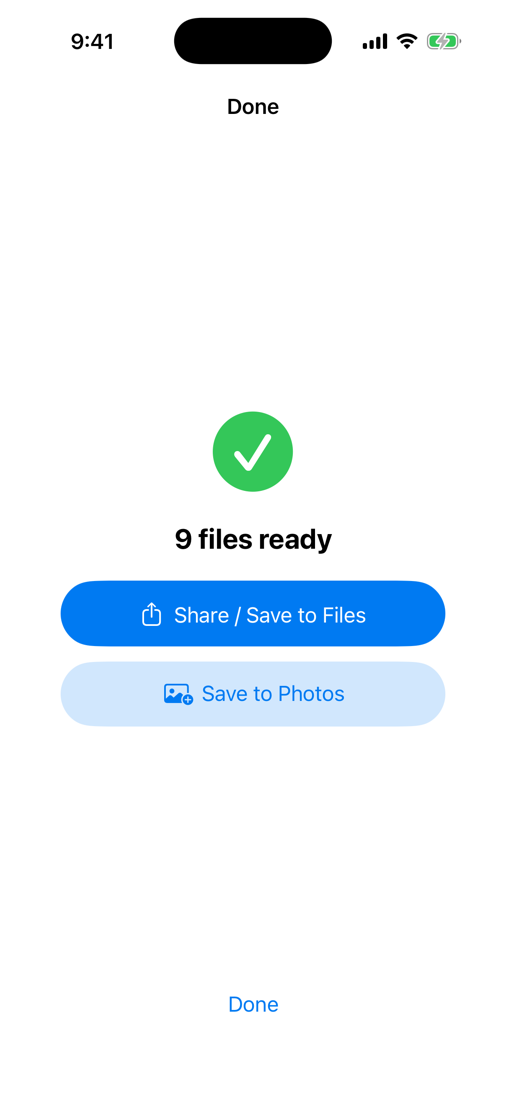
Save or share

Send them to Windows, email, or anywhere that wouldn't take HEIC.

Simple by design

The whole app is two screens and a Convert button.

Convert screen with format options
Converted files ready to save or share
One-time purchase
$4.99 once

Pay once, convert forever. No weekly fees, no ad after every photo.

  • Unlimited conversions
  • Batch + PDF export
  • No ads and no subscription, ever
  • Every future update included
Get it on the App Store

Questions, answered

Why won't my iPhone photos open on Windows or Android?

iPhones save photos in Apple's HEIC format to save space. Many Windows PCs, Android phones, websites, and email clients can't read HEIC. Converting to JPG makes them open everywhere.

How do I convert HEIC to JPG on my iPhone?

Open the app, tap Select Photos, choose the photos or a whole album, pick JPG, and tap Convert. Then save to Photos, save to Files, or share. The whole thing takes a few seconds.

Are my photos uploaded anywhere?

Never. Every conversion happens entirely on your device using Apple's built-in frameworks. There are no servers, no accounts, and no analytics — your photos never leave your phone.

Is it really no subscription?

Yes. One payment of $4.99 unlocks unlimited conversions forever, including all future updates. No weekly or monthly fees, and no ads.

Can I convert in batches or to PNG and PDF?

Yes. Convert as many photos at once as you like. Output to JPG (opens everywhere), PNG (keeps transparency), or PDF (combine several photos into one document).

Does converting lower the quality?

No — it converts at full resolution. You can also choose to preserve photo details such as EXIF metadata.
Free your photos in two taps

Convert HEIC to JPG, PNG, or PDF — on-device, no ads, no subscription.

Download on theApp Store